



Building
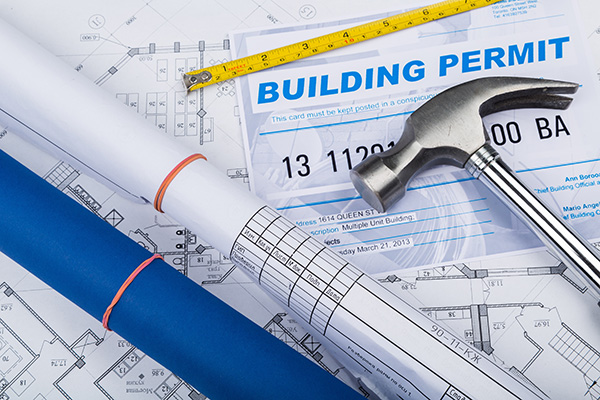
The Building Division issues building permits and provides building, electrical, mechanical, plumbing, Title-24, and accessibility inspections for new construction, additions, and alterations of commercial, residential, and public projects to ensure a safe environment for the Pinole community. The division also performs rental housing inspections on a recurring basis and business license inspections on an as- needed basis. The division investigates citizens’ complaints pertaining to construction code compliance and/or health and safety issues in a prompt and courteous manner.






FAQs
How do I extend my active Building Permit?

Every permit issued shall become expired unless the work on the site authorized by such permit is commenced within 12 months after its issuance, or if the work authorized on the site by such permit is suspended or abandoned for a period of 180 days after the time the work commenced. Applicants with active Building Permits may request an extension of an active building permit. To apply for an issued permit extension, submit the Request to Extend and Active Building Permit form at least four weeks prior to the building permit expiration. Upon payment of a non-refundable processing fee of $194.00, the request will be evaluated upon receipt of payment. If the Building Official determines that the circumstances beyond the control of the permit holder have prevented the completion of the scope of work, a one-time Permit extension, not to exceed 180 days, may be granted. You will receive notification via email.
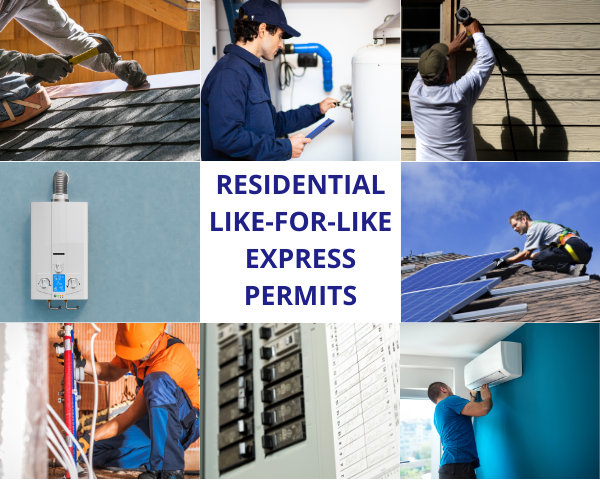
What types of projects are accepted through the City’s Instant Residential Energy Permitting System?
The City allows for instantaneous plan review approval via the Symbium portal for the following permit types:
- Residential Rooftop Solar and Battery Storage
- Residential solar energy system that is no larger than 38.4 kilowatts alternating current nameplate rating.
- Battery Storage System with batteries no larger than 20 kilowatts each.
- Combined residential solar energy system that is no larger than 38.4 kilowatts alternating current nameplate rating and battery storage system with batteries no larger than 20 kilowatts each.
- Subpanel upgrade in combination with any of the above.
- Residential Electric Vehicle Charger
- Residential HVAC Replacement – gas to electric
- Residential Reroof
- Residential Service Panel Upgrade
- Residential Water Distribution Line
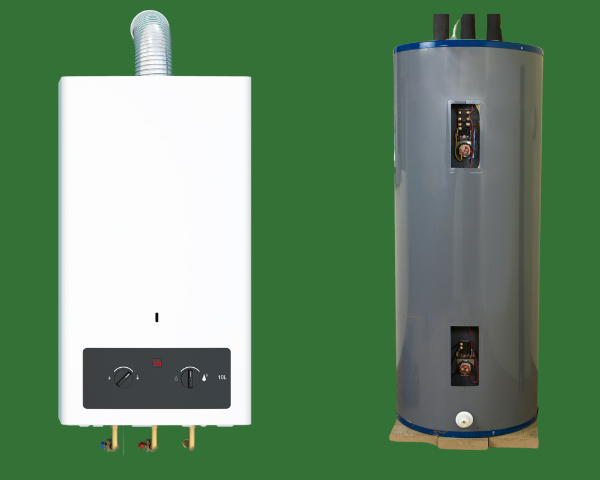
- Residential Water Heater – gas to electric
- Residential Water Main Line
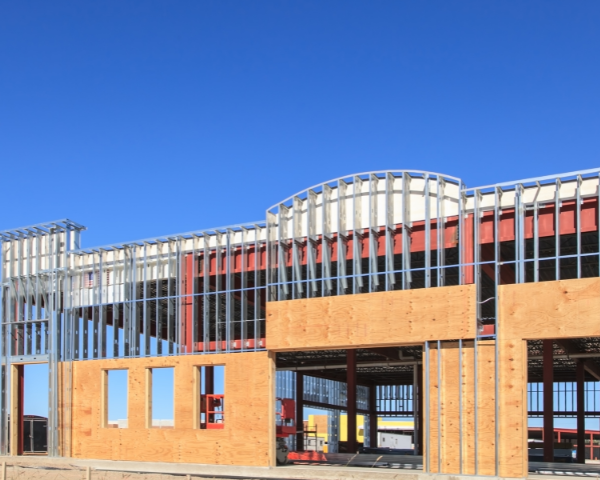
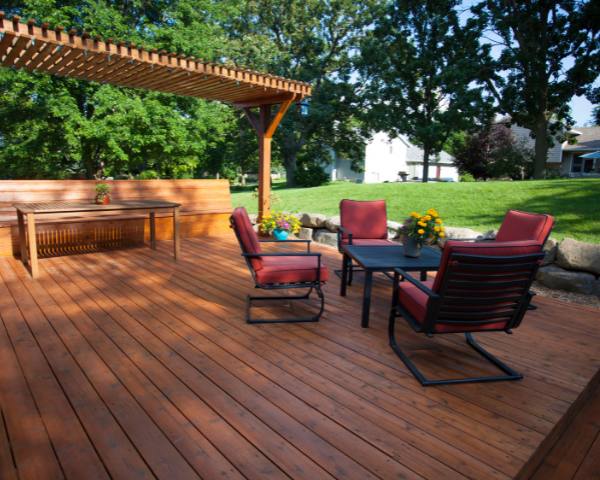
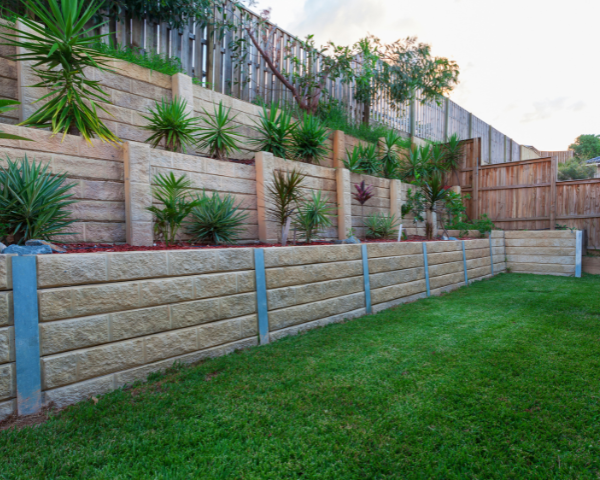
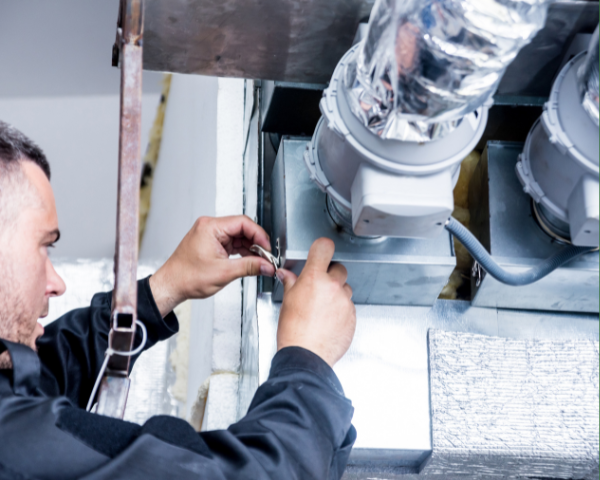
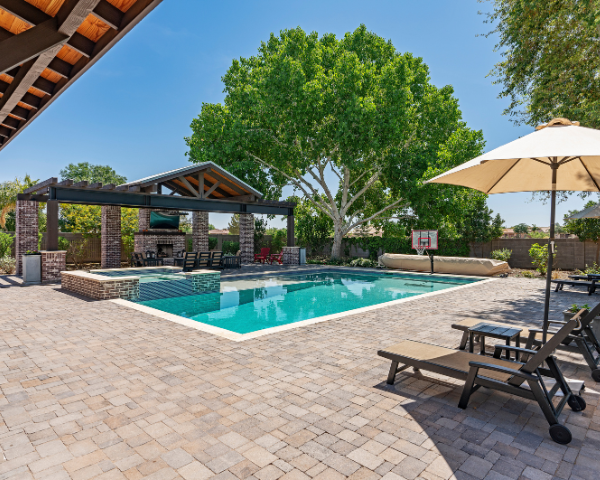
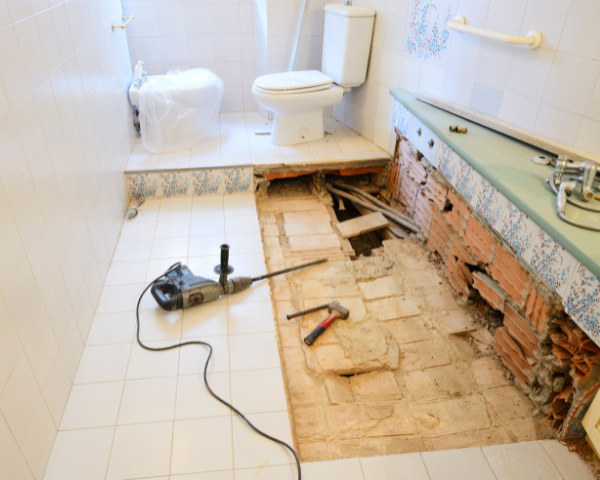
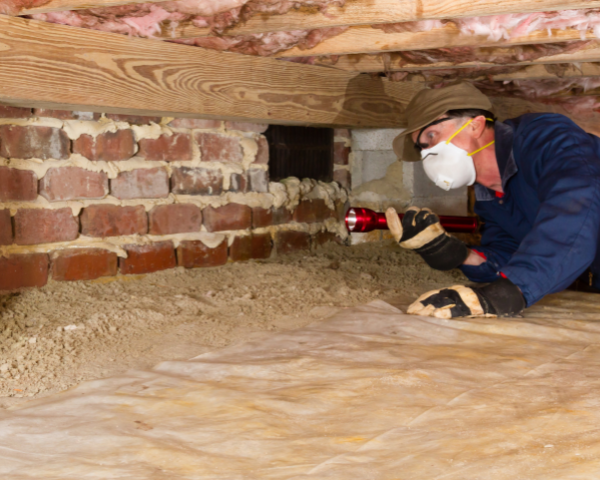
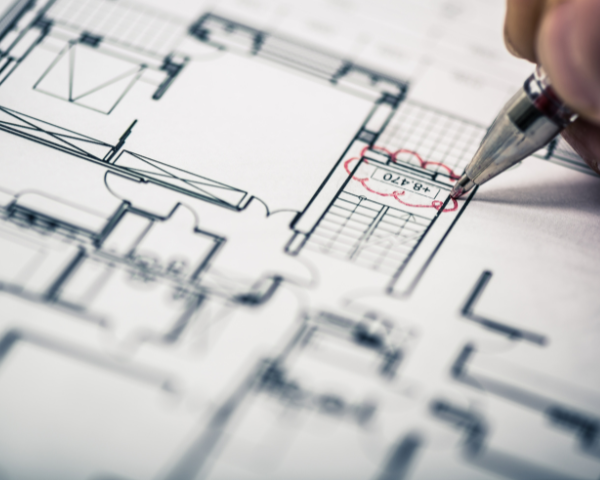
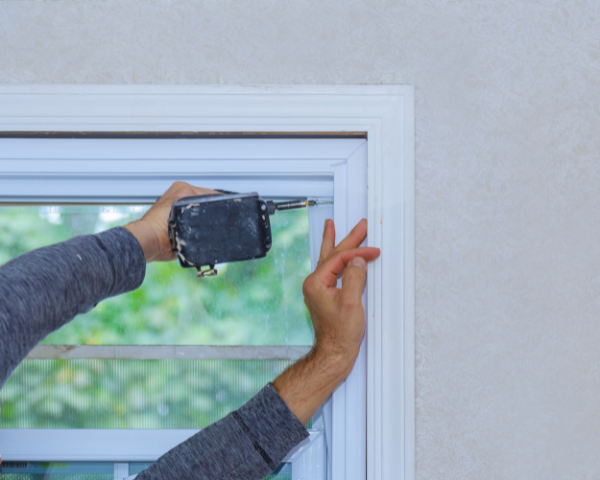
What type of Building Permit should I apply for based on the project I’d like to do?







How do I apply for an instant Residential Energy permit?
The City allows for instantaneous plan review approval via the Symbium portal for the following permit types:
- Residential Rooftop Solar and Battery Storage
- Electric Vehicle Charger
- HVAC Replacement – gas to electric
- Residential Reroof
- Service Panel Upgrade
- Water Distribution Line
- Water Heater – gas to electric
- Water Main Line
Instructions
Enter Your Property Address
Enter your property address in the address field below to begin. Once your address is confirmed, you can start your permit application right away.
Only properties located within the City of Pinole will be recognized. If your address is not recognized, the property may be outside City limits.
If you have questions about how to use the Symbium platform while completing your application, you may contact Symbium directly at support@symbium.com.
Start a Permit Application
When you’re ready to apply, select the appropriate permit type under the Instant Permitting section.
Provide Project Details
Answer a series of questions about your proposed project. The City allows instantaneous plan review approval through the Symbium portal for qualifying residential projects, including:
- Electric Vehicle (EV) Chargers
- Service Panel Upgrades
- Residential Rooftop Solar
- Energy Storage Systems (ESS)
- Reroofing
- Water Heaters
- Water Main Line Replacements
Eligibility for instant permitting is determined based on the information provided and applicable State and local requirements.
Review the Automated Analysis
Symbium will instantly evaluate your project for compliance with State and local regulations and provide a detailed analysis explaining whether the project meets applicable code requirements.
Apply for Your Permit and Pay Plan Review Fees
You can submit your permit application and pay applicable plan review fees directly within the Symbium platform.
For qualifying projects, permits are issued automatically. Symbium also verifies contractor and business license information as part of the process.
Reminder: Please complete and upload the required Owner-Builder or Contractor Declaration Package as part of your application. This document is required for permit issuance.
Pay City Permit Fees and Receive Instant Permit
Symbium will provide you a link on your Symbium dashboard to pay your permit fees directly to the City. Your permit will be issued upon payment.
Need Assistance?
Contact Symbium support with any questions at support@symbium.com.
Watch a demo of how to use Symbium to apply for an instant solar permit, visit https://symbium.com/instantpermitting.
How do I get technical support while using Symbium to apply for my instant residential ENERGY permit?
Please email support@symbium.com with any questions.
What is the refund policy for building permits?
The City of Pinole Building Official may authorize a refund of required permit fees as follows:
Active Building PermitS
- Unused Building Permit. The following applies upon the canceling of a building permit within three hundred sixty five (365) days after issuance, no work having been done and no inspections having been performed:
- If the building permit fee was greater than one hundred twenty-five dollars ($125), eighty percent (80%) of the building permit fee paid shall be refunded.
- If the building permit fee was one hundred twenty-five dollars ($125) or less, no refund shall be allowed.
- Unused Plumbing, Electrical or Mechanical Permits. No refund of fees for these permits (including sub permits issued in conjunction with building permits, and miscellaneous permits) shall be allowed, except for the following:
- Upon the canceling of a permit within three hundred sixty-five (365) days after issuance and, where fees paid were in excess of one hundred twenty five dollars ($125), and no work having been done and no inspections performed, the applicant may be allowed a refund of the amount of no more than eighty percent (80%) of the plumbing electrical or mechanical permit(s) fees paid.
- If the fees paid were one hundred twenty-five dollars ($125) or less, no refund shall be allowed.
- No refunds of plan check fees for issued permits shall be allowed. Any unused plumbing, electrical, or mechanical permit(s) taken in conjunction with a building permit are governed by the refund procedures in this subsection.
Expired Building Permits
- Expired Unused Building Permit. When a building permit is requested to be canceled and the permit is expired, a fee of one hundred twenty-five dollars ($125) is required at the time of the cancellation request. A field inspection will be scheduled to confirm that no work was performed. If the result of the inspection confirms that no work was performed, the permit shall be canceled. However, if work is determined to have been performed, an additional inspection fee will be assessed against the permit. Additionally, the work under the scope of the permit may be required to be completed and obtain all requisite inspections. If the permit process is not completed, the matter may be forwarded to the code enforcement officer for further action.
- Permits Not Yet Issued. The following applies to the withdrawal of a building permit application prior to issuance of the permit. Prior to plan review commencing, up to 80% of the plan review fees may be refunded. If plan review has commenced, no refund shall be allowed.
How do I cancel an instant residential energy permit and request a refund?
Symbium’s processing fees, including fees for revisions, are non-refundable.
The City of Pinole Building Official may authorize a refund of required permit fees paid in eTRAKiT as follows:
Active Building PermitS
- Unused Building Permit. The following applies upon the canceling of a building permit within three hundred sixty five (365) days after issuance, no work having been done and no inspections having been performed:
- If the building permit fee was greater than one hundred twenty-five dollars ($125), eighty percent (80%) of the building permit fee paid shall be refunded.
- If the building permit fee was one hundred twenty-five dollars ($125) or less, no refund shall be allowed.
- Unused Plumbing, Electrical or Mechanical Permits. No refund of fees for these permits (including sub permits issued in conjunction with building permits, and miscellaneous permits) shall be allowed, except for the following:
- Upon the canceling of a permit within three hundred sixty-five (365) days after issuance and, where fees paid were in excess of one hundred twenty five dollars ($125), and no work having been done and no inspections performed, the applicant may be allowed a refund of the amount of no more than eighty percent (80%) of the plumbing electrical or mechanical permit(s) fees paid.
- If the fees paid were one hundred twenty-five dollars ($125) or less, no refund shall be allowed.
- No refunds of plan check fees for issued permits shall be allowed. Any unused plumbing, electrical, or mechanical permit(s) taken in conjunction with a building permit are governed by the refund procedures in this subsection.
Expired Building Permits
- Expired Unused Building Permit. When a building permit is requested to be canceled and the permit is expired, a fee of one hundred twenty-five dollars ($125) is required at the time of the cancellation request. A field inspection will be scheduled to confirm that no work was performed. If the result of the inspection confirms that no work was performed, the permit shall be canceled. However, if work is determined to have been performed, an additional inspection fee will be assessed against the permit. Additionally, the work under the scope of the permit may be required to be completed and obtain all requisite inspections. If the permit process is not completed, the matter may be forwarded to the code enforcement officer for further action.
- Permits Not Yet Issued. The following applies to the withdrawal of a building permit application prior to issuance of the permit. Prior to plan review commencing, up to 80% of the plan review fees may be refunded. If plan review has commenced, no refund shall be allowed.
How do I submit a revision to my instant energy permit application?
To submit a revision to an approved Symbium permit, please follow the steps below. Please note, you must have an account created in the City’s online permitting system, eTRAKiT. Please review instructions for creating an account if you do not already have one, and would like to submit revision to an approved Instant Residential Solar and ESS Permit.
Apply for a Revision to Approved Plans (RAP) permit in Pinole’s eTRAKiT system.
- Select the Revision to Approved Plans permit type, and the Symbium Solar subtype.
- Provide information as required.
- Pay required fees.
- Make note of the RAP Permit Number assigned after the application is submitted.
Note: You cannot schedule inspections on the original permit until you complete Steps 2-4 below. If you complete Step 1 but decide not to proceed with the permit revision, please contact the Building Division at BuildingQuestions@pinole.gov or (510) 724-9000 to resume scheduling inspections on your original permit.
Request a revision in Symbium’s permitting system
- Navigate to your project on Symbium.com.
- Click on “Revisions” in the sidebar on the lefthand side of the screen, and then click the “Start New Revision” button.
- Update the scope of work to indicate how your project scope has changed.
- Pay required fees.
- Download a copy of the revised Approval document.
- Print a hard copy of the revised Approval document to have in hand in the field during inspection.
Upload the revised Approval document and Inspection Checklist in eTRAKiT
- Navigate to your RAP permit application
- Upload the revised Approval document and Inspection Checklist
Schedule inspections
You may now schedule inspections on the permit. Please remember to print a hard copy of the Approval document to have in hand in the field during inspection.
Need Help?
If you have any questions about how to use Symbium while completing your permit application at symbium.com, you can reach out directly to Symbium at support@symbium.com.
If you have any questions about how to submit a Revision to an Approved Permit application in eTRAKiT, please contact the Building Division at BuildingQuestions@pinole.gov or (510) 724-9000.
I’m unable to apply for an instant residential energy permit using Symbium. How do I find out why?
We’re sorry you’re encountering this issue!
You may be unable to apply for an instant solar permit using Symbium for two reasons.
First, Symbium may have detected that your project scope is not fully code compliant. If this is the case, you will see at the top of your screen in the Enter Project Scope section a message noting that an issue has been detected and that a permit is not available through Symbium. If you click on the purple text in that message, you will be taken directly to the Analysis section, where you will find detailed information about the detected issue and how to correct it.
Second, you may not have answered every required question or uploaded all the necessary documentation in support of your permit application. If you’re entering your project scope and cannot advance to the Apply for Permits section, check if there’s a notice at the top of the page indicating that not all requirements have been met yet or a notice at the bottom of the page indicating that you need to answer a few more questions. If this is the case, go over your scope of work and answer all the required questions, which will be noted with a red asterisk.
If you are in the Apply for Permits section and cannot Proceed to Payment, review whether you’ve answered all the required questions and uploaded all the required documents in the Apply for Permits section. Required questions and uploads will be noted with a red asterisk.
Please contact Symbium for support at support@symbium.com.
What are the resale requirements for properties in pinole?
If you plan to sell or remodel your home, you may be affected by recent real estate law changes, which require a disclosure statement for property remodeling and additions where permits have not been obtained.
Additionally, homes being sold must comply with the City of Pinole Sewer Lateral Ordinance and obtain a video inspection of the sewer lateral which is then submitted to the Public Works Department for review.
The Building Division currently does not provide inspections of houses being placed on the resale market. If permits were not secured for remodeling or additions, it can be a very costly and inconvenient process for the property owner.
Permit history for properties can be obtained by making a public records request through the City Clerk’s Office.
What other agency review is required during (or prior to) a Building Permit Review?







Are there any exemptions from the Residential Health and Safety Rental Inspection Program?
Yes, the following units are exempt:
- Owner or manager-occupied rental units.
- Units owned, operated, or managed by a government agency other than the City, or exempt from municipal regulation by state or federal law.
- Units that are unavailable for rent.
- Residential facilities serving six or fewer persons as defined in the California Health and Safety Code Section 1566.3.
Some deed‑restricted affordable housing properties may qualify for a partial inspection exemption if they are already regulated by a state or federal agency that conducts habitability inspections or imposes comparable health and safety standards.
Depending on the type of oversight, the City may inspect:
- 20% of units (if physically inspected by a regulating agency every 3 years)
- 20%–80% of units (if oversight relies on self‑certification)
- 100% of units (if there is no comparable external oversight)
No property is fully exempt from enrollment or fee requirements. Even exempt units must enroll, declare that their unit is exempted, and pay an exemption fee.
How often are rental properties inspected?
All rental units in Pinole are inspected once every three years.
Inspections verify compliance with applicable City ordinances, the Housing Code, and state health and safety requirements. Units with deficiencies must correct them within the required timeframe and obtain any necessary building permits. Learn about Building Permits and view the Rental Inspection Checklist for information on what to expect during your inspection.
What is the rental program inspection cancellation policy?
Inspection cancellations for Rental Units must be made at least 48 hours in advance. Cancellations made with less than 48 hours’ notice will incur a cancellation fee of one hundred and two dollars and twenty-five cents ($102.25) per inspection per cancelled unit. The fee is set by Pinole Municipal Code Section 8.30.115.
What are the requirements for rental property owners?
Every rental property owner must:
- Enroll all rental units annually in the City’s online platform
- Pay annual program fees
- Maintain a valid Certificate of Compliance (CoC)
- Maintain a valid business license (renewed annually)
- Allow the City to conduct inspections every three years
- Provide required tenant notifications within 5 business days
- Update enrollment information within 30 days of any changes (e.g., rent, occupancy)
Beginning in 2026, no business license will be issued for calendar year 2027 unless enrollment is completed by December 31, 2026.
What is the Rental Inspection Ordinance?
The Rental Inspection Ordinance, adopted in 2006 and incorporated into Chapter 8.30 of Pinole Municipal Code Title 8, establishes minimum health and safety standards for rental housing and requires periodic inspections of all rental units. The Ordinance was updated in 2026 to modernize enrollment, improve transparency, update fees, and transition to an online inspection and licensing system.
What is the Residential Health and Safety Rental Inspection Program?
The Residential Health & Safety Rental Inspection Program is the City of Pinole’s long‑standing initiative to ensure all rental housing is safe, healthy, and well‑maintained. The Program requires rental properties to enroll annually in the City’s online platform, undergo routine health and safety inspections, maintain a valid Certificate of Compliance (CoC), and hold an active business license. These requirements help prevent substandard conditions and protect the well‑being of tenants.
What Important Information Should I Know for Special Inspections?
Depending on the scope of work, some project may require special inspection and/or testing per Chapter 17 of the California Building Code (CBC).
- Before a permit can be issued: The owner, engineer, architect of record or owner’s agent must submit a Special Inspection and Testing Agreement including the structural tests and inspections schedule to the Division for review and approval.
- Before occupancy permit can be issued: The inspection agency shall submit a statement that all items requiring testing and inspection were fulfilled and reported. Those items not tested and/or inspected shall be noted in this statement. A copy of the statement to be maintained at the job site for Building Inspector’s review prior to final inspections.
What Should I Know Before Scheduling an Inspection?
- You need to schedule inspections at least 24 hours in advance.
- The cost of inspections are included in your permit fees. You do not need to pay again for inspections, unless there are excessive re-inspections requested. For each required inspection in a project, the City provides one initial inspection and one reinspection as part of the building permit fee. If a second reinspection is required—such as when previously noted corrections have not been made—a Re-inspection Fee will be charged. For the current Re-inspection Fee, please refer to the City’s Master Fee Schedule. To avoid additional fees, ensure all required corrections are completed before scheduling a reinspection. See the Re-Inspection Policy FAQ for more information.
- If you don’t get inspections, your permit could be revoked and you may need to stop your project.
- Paper copies of the approved plans, permits and the inspection card must be on the job site and available to the inspector at the time of inspection.
- Inspection cancellations must be made before 7:00 AM on the scheduled day of inspection. Cancellations made after this time will incur a missed inspection fee, as outlined in the City’s Master Fee Schedule. See the Inspection Cancelation/Missed Inspection Policy FAQ for more information. For the current missed inspection fee, please refer to the Pinole Master Fee Schedule. To cancel or reschedule an inspection, please visit the Building Permits Inspection Program.
- Make sure you are ready for your inspection before you schedule it. This means:
- You’ve completed the scope of work for that inspection type. Partial inspections may be approved for larger project scopes. Contact us if you have questions about this.
- You have all the required special inspections, survey letters, or Engineer of Record (EOR) reports on site at the time of inspection.
- There is access to the area of work, such as a secured ladder for a roof inspection.
- See the How to Prepare for an Inspection FAQ for more information.
When are Inspections Available?
- Morning (AM) inspections: Monday – Thursday, 8:00 AM – 12:00 PM
- Afternoon (PM) inspections: Monday – Thursday, 1:00 PM – 3:30 PM
- No inspections for construction projects on Fridays.
- Inspection requests are accepted for either an AM or PM window, but due to high permit volumes, we cannot guarantee the requested time.
- On the day of inspection, visit eTRAKiT to check the assigned inspection window (AM or PM).

Keith Marks
Chief Building Official
Department Hours
Monday am: 8 a.m.-12 p.m.
Monday pm: 1 p.m.-4:30 p.m.
Tuesday am: 8 a.m.-12 p.m.
Tuesday pm: 1 p.m.-4:30 p.m.
Wednesday am: 8 a.m.-12 p.m.
Wednesday pm: 1 p.m.-4:30 p.m.
Thursday am: 8 a.m.-12 p.m.
Thursday pm: 8 a.m.-4:30 p.m.