 City of Pinole Homepage



Pinole Youth Center
Pinole Youth Center
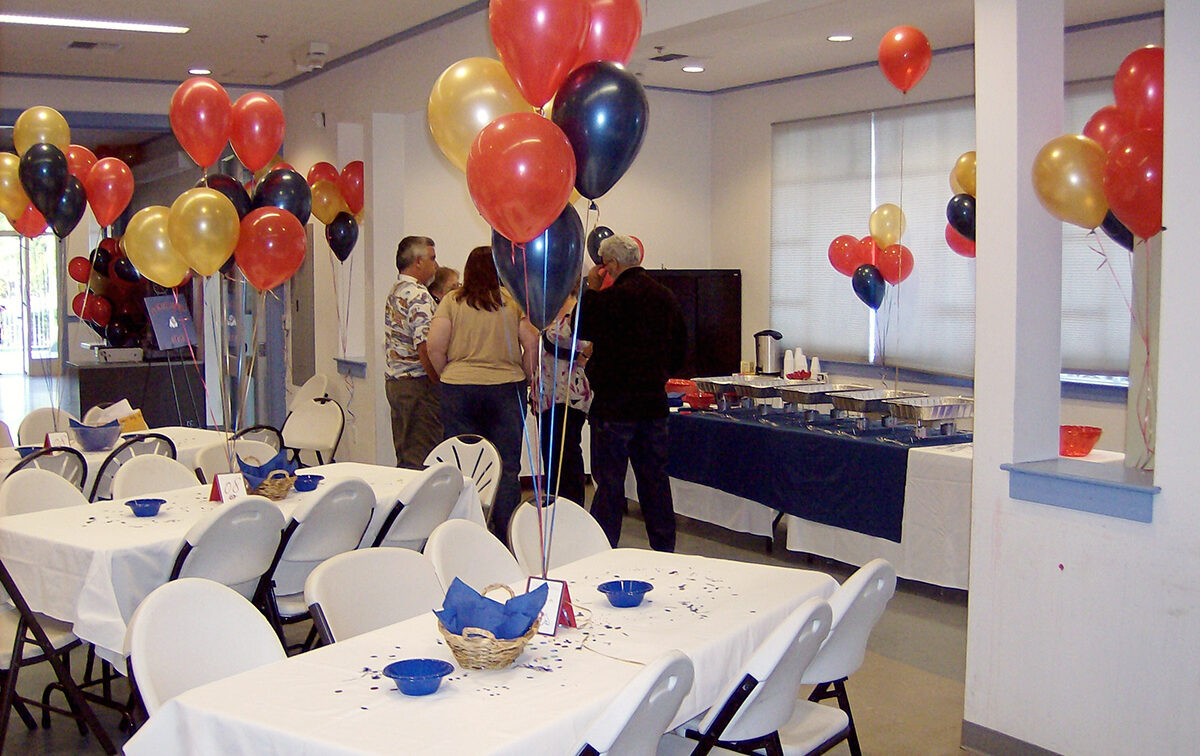
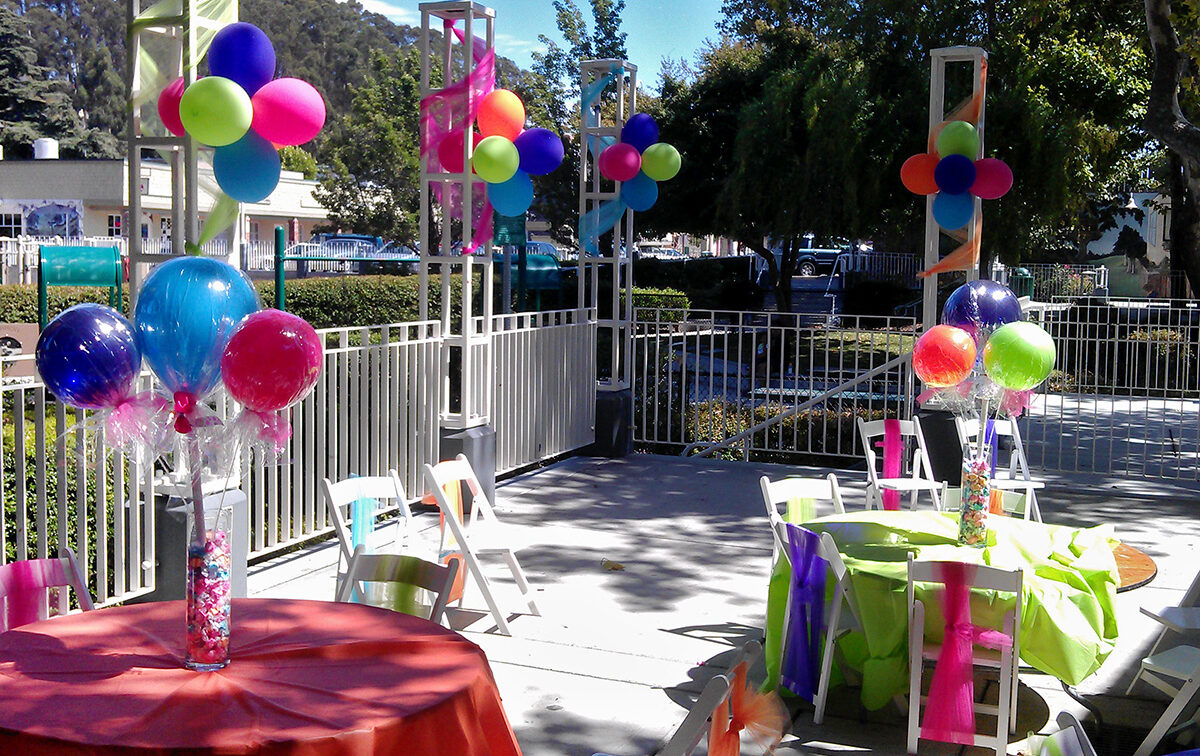
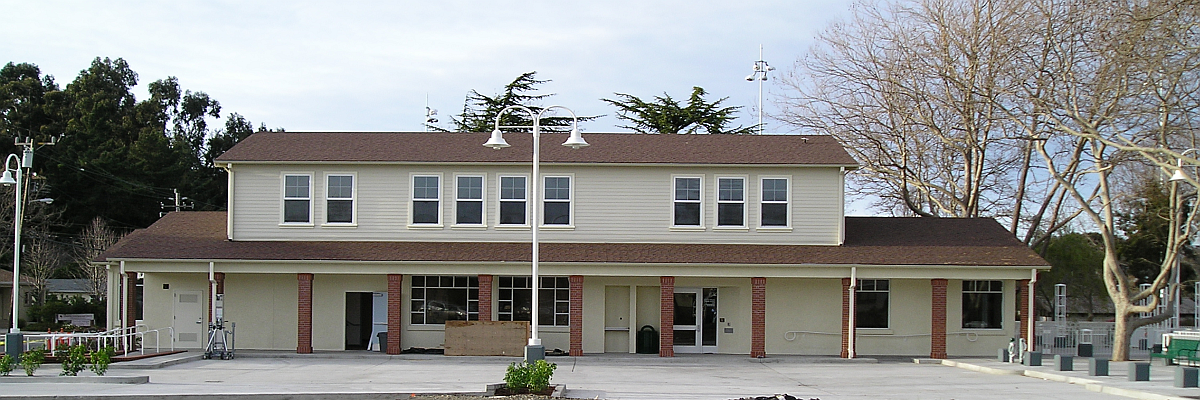

Amenities


The Pinole Youth Center is conveniently located in Old Town Pinole adjacent to Fernandez Park at 635 Tennent Avenue. The Youth Center offers 2 indoor facilities, the Main Hall & the Meeting room which can be used for parties, events, meetings, etc. Both facilities also come with the use of a commercial kitchen, outdoor patio (weather permitting), commercial tables, and chairs.
Reservations will be received on a first-come, first-serve basis..
The City of Pinole Community Services Department reserves the right to cancel or transfer rentals to make room for City events.
Please review our Facility Rental Guide for our updated policies and procedures before booking a facility.
Youth Center Main Hall
Rental of the Pinole Youth Center Main Hall includes the following: the Main Hall, Meeting Room, the commercial kitchen, and the outdoor patio.
The seating capacity for renting the Youth Center Main Hall is 105 (65 in the Main Hall and 40 in the Meeting Room).
The use of 6-foot tables, chairs and limited use of a commercial kitchen facility are provided in the contract.
Please review our Rental Facility Guide for our updated policies and procedures.
Rental Fees
All fees are due 45 days prior to the rental date.
Booking & Deposit
Booking Fee (Non-Refundable): $60
Facility Deposit (Refundable): $200
Facility Deposit Events with Alcohol (Refundable): $400.00
Change of Date Fee (When completed with a written notice 76 days or more in advance of event): $75
Change of Date Fee (When completed with a written notice 75 days or less in advance of event): $100
Event Security: $40/hour per security guard. An additional guard will be added during the event for renters who choose to possess/ consume alcohol during the event.
One Guard for every 1-74 Attendees
Two Guards for every 75-149 Attendees
Three Guards for every 150-250 Attendees
Resident
Minimum 4 hours: $280.00
Set-up/Clean up Time (2-hrs. Max): $60/hr
Extra Hours: $70/hr
Non-Resident
Minimum 4 hours: $336.00
Set-up/Clean up Time (2-hrs. Max): $60/hr
Extra Hours: $84/hr
Non-Profit Fees
Pinole Organization
Minimum 4 hours: $213.00
Set-up/Clean up Time (2-hrs. Max): $47/hr
Extra Hours: $47/hr
Non-Pinole Organization
Minimum 4 hours: $308.00
Set-up/Clean up Time (2-hrs. Max): $47/hr
Extra Hours: $71/hr
Youth Center Meeting Rooms
Rental of the Pinole Youth Center Meeting Room includes the following: Meeting Room, commercial kitchen, and the outdoor patio.
The Meeting Room can fit the capacity of 40 people.
Reservations will be received on a first come, first serve basis.
Please review our Rental Facility Guide for our updated policies and procedures before booking.
Rental Fees
All fees are due 45 days prior to the rental date.
Booking & Deposit
Booking Fee (Non-Refundable): $60.00
Facility Deposit (Refundable): $100.00
Facility Deposit Events with Alcohol (Refundable): $400.00
Change of Date Fee (When completed with a written notice 76 days or more in advance of event): $25
Change of Date Fee (When completed with a written notice 75 days or less in advance of event): $45
Hourly Fees
Resident
Minimum 2 hours: $110.00
Set-up/Clean up Time (2-hrs. Max): $30/hr
Extra Hours: $55/hr
Non-Resident
Minimum 2 hours:$130.00
Set-up/Clean up Time (2-hrs. Max): $30/hr
Additional Hour(s): $65/hr
Event Security: $40/hour per security guard. An additional guard will be added during the event for renters who choose to possess/ consume alcohol during the event.
One Guard for every 1-74 Attendees
Two Guards for every 75-149 Attendees
Three Guards for every 150-250 Attendees
HOW TO MAKE A RESERVATION:
- Click on REGISTRATION and it will take you to our online registration portal
- Create an account by going to log in
- Once you have created a profile account, go to FACILITIES, YOUTH CENTER, choose one of the facility (Pinole Youth Center Main Hall or Pinole Youth Center Meeting Room).
- To find out if the facility is available to rent on the date of your event, click on the RESERVE sign next to the name of the facility
- You will be directed to the reservation CALENDAR page.Find the date of your event. If there is a RESERVE sign on the date of your event, then it will be available. NO RESERVE sign on any single day means it is not available.
- If the date for your event is available, click on the RESERVE sign on the calendar page on that date.
- Fill in the description use and group size. Then add the rental hours for your event, the booking fee, and the facility deposit into your shopping cart.
- Go to checkout!
- You will be directed to the Waiver page where you must click Accept to continue.
- Complete all required forms. Upload copy of driver’s license and proof of residency to online application
- At the Checkout, fill out credit card information and click Continue. You will then be presented with a summary of the transaction (including processing fees). Click OK to complete the transaction. If you clicked OK, your credit card will be processed and the registration process will be complete
- Registrations are NOT complete until you go through the Checkout process.